
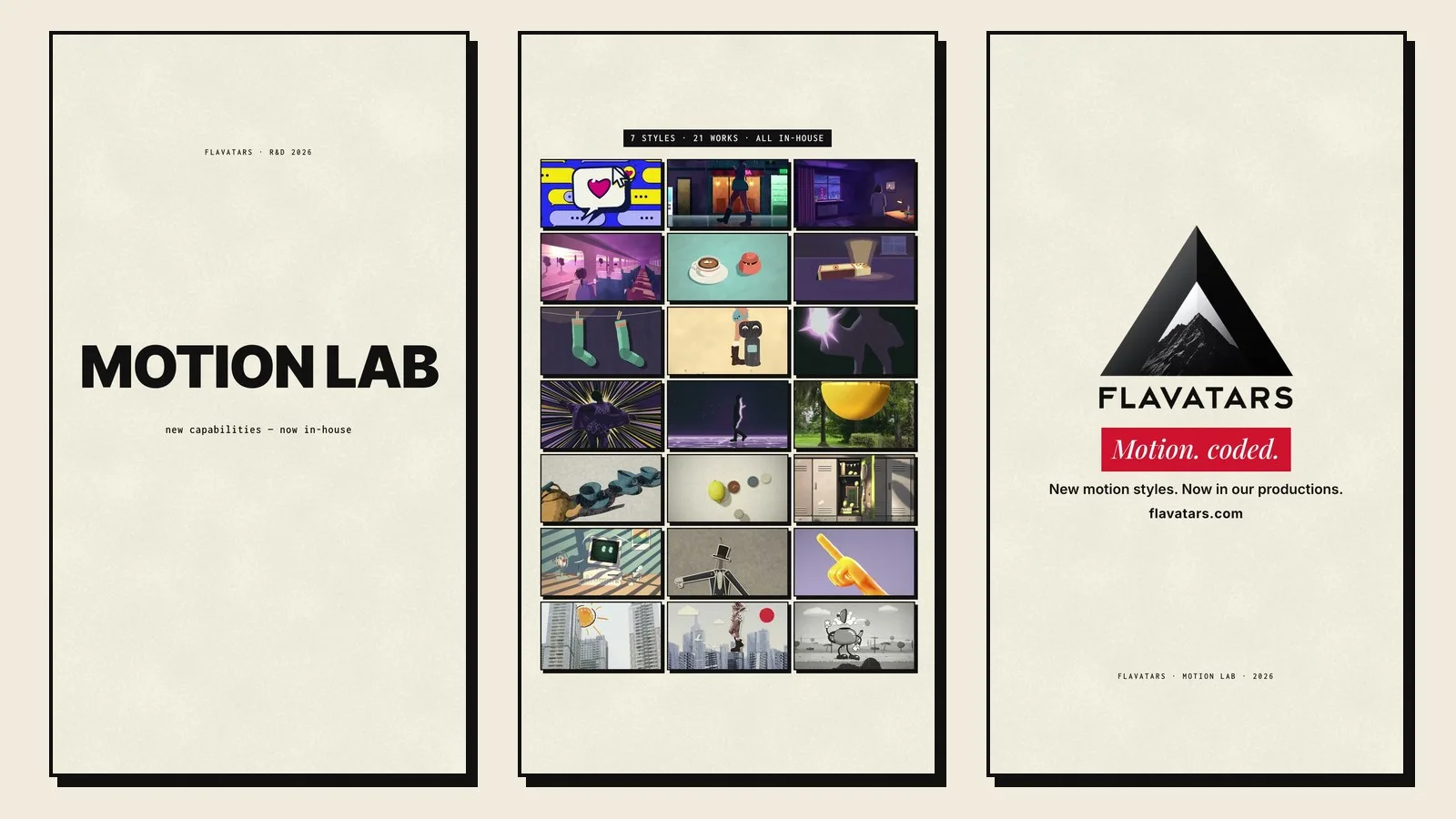
Flavatars Motion Lab is a 44-second vertical reel that shows 21 animated works in seven styles, from lo-fi anime and paper cartoons to 3D still life and crayon drawn over our own footage. It is also proof of a new studio capability: motion that feels hand-made, built in-house and on the beat. Every frame is code, rendered with HyperFrames, three.js and Python and written by AI coding agents under the direction of Oleg Pylypenko. No text-to-video or text-to-image model produced a single frame. The lab took two days, and it now runs inside our productions.
Why a film studio built a motion lab
Flavatars makes films, music videos and AI-driven campaigns, and almost every one of them ends up needing motion graphics. A title that has to land on the beat. An animated insert inside a music video. A product moment that footage cannot show. Until now that work was briefed out or kept simple, and simple was rarely the right answer.
So we gave ourselves a different brief. Learn the motion styles we personally love, rebuild them as our own code and hold the result to the level of the studios we admire. The test was strict: a piece only counts when it could sit next to its reference and hold up.
The starting point was personal. Oleg picked the 15 animations he would happily watch on repeat, and we treated that list as a taste profile to decode, frame by frame.
81 animations and the one quality they share
The 15 favourites came with 66 close neighbours, which gave us 81 reference animations to study. Each one was measured frame by frame: how often the drawing changes, how long poses hold, where the cuts hide, how much of the palette is accent and how much is base. Then we scored every piece for what we call aliveness, the sense that a small world is breathing and something in it is about to happen.
The result was clear. The favourites averaged 3.6 out of 5 on aliveness against 2.5 for the rest, and genre had almost nothing to do with it. Anime, paper cut-outs and 3D toys all made the list for the same reasons.
Those reasons became our rules. One small world and one event with a visible cause. Stepped timing, with drawings held for two or three frames. A muted base with a single accent colour. Cuts hidden inside motion, holds that keep breathing, and loops that close without a visible seam.
“Aliveness beat genre in every comparison we ran.”
Seven style families and fifteen techniques
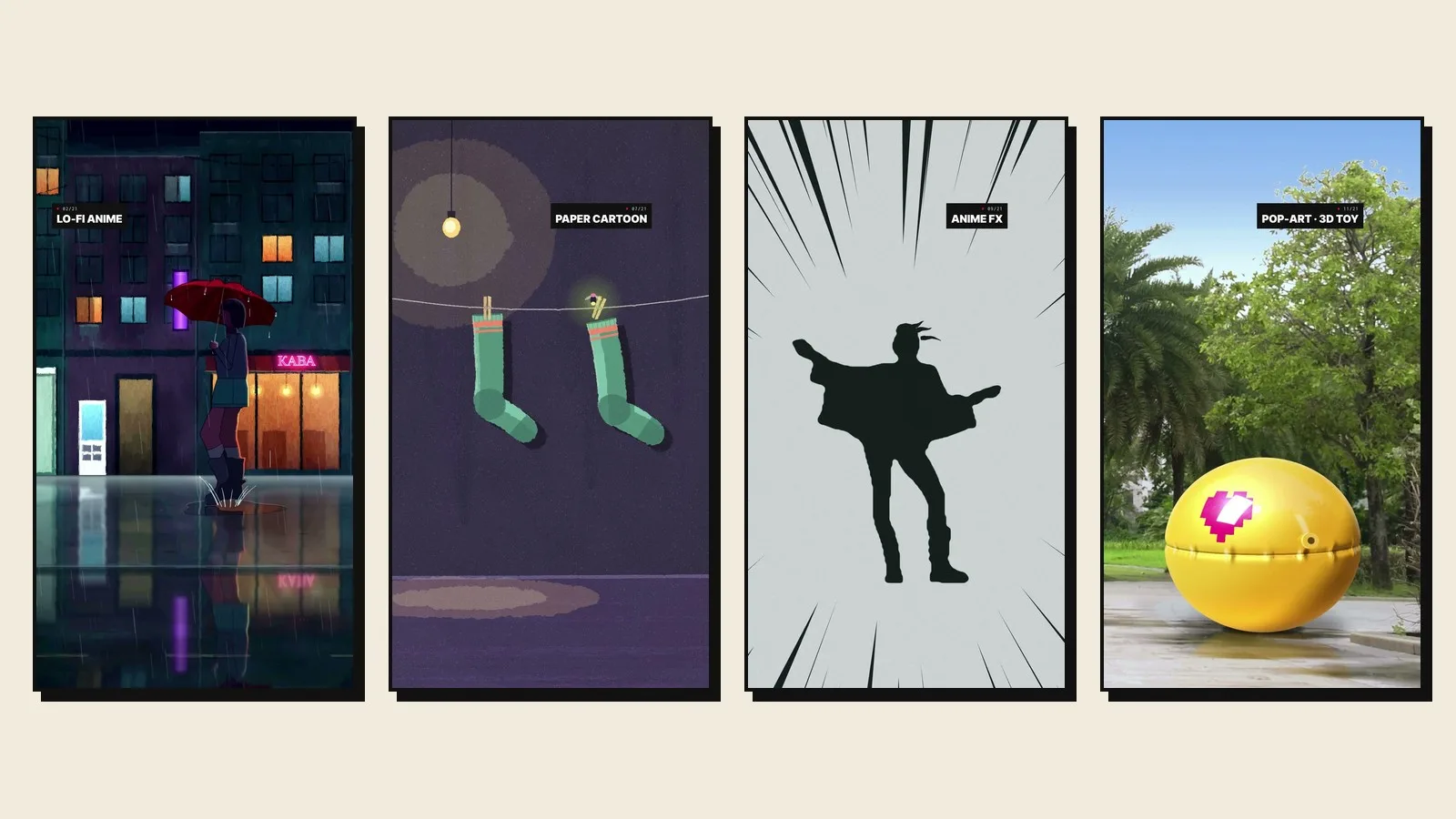
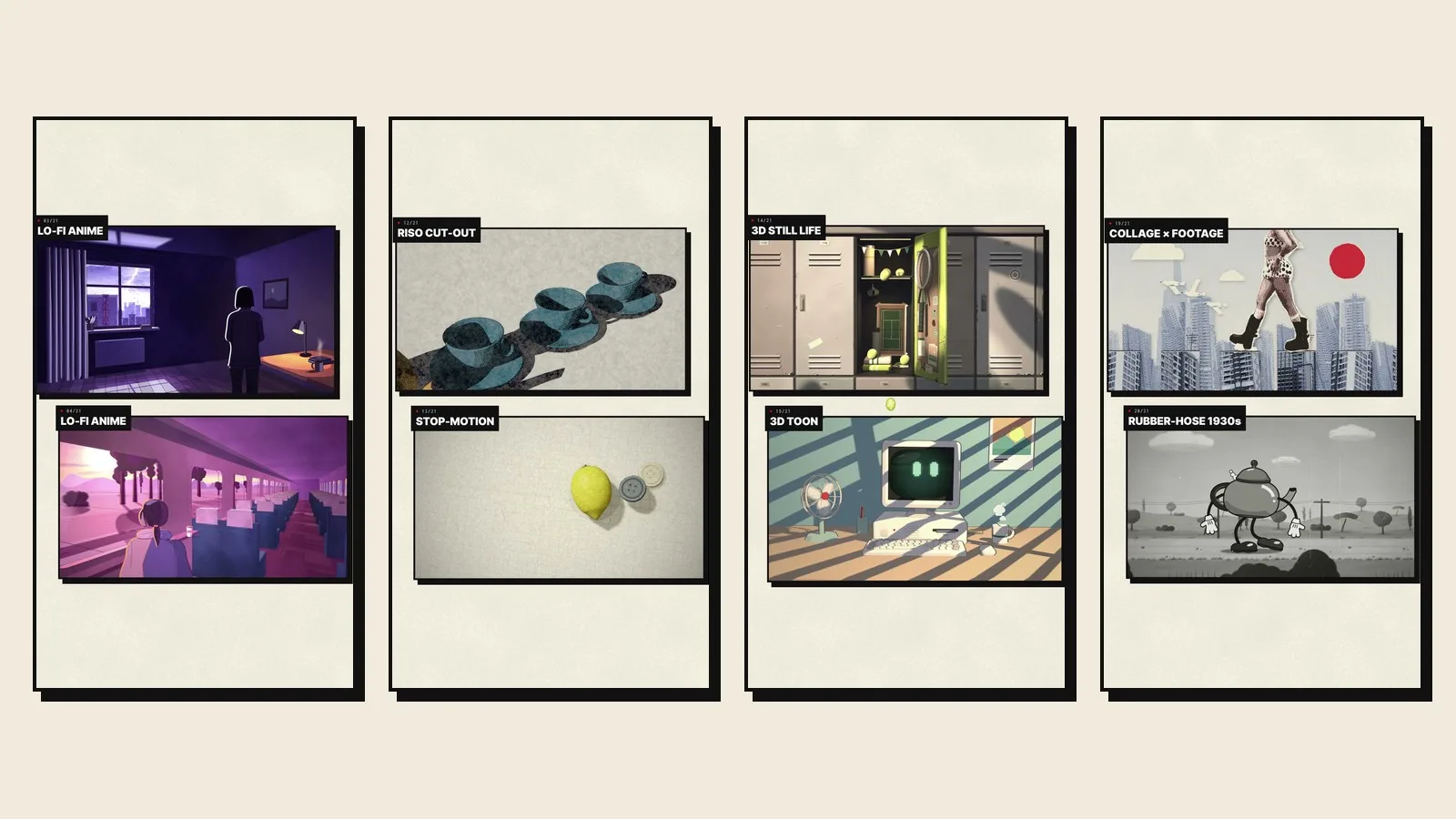
The 81 references fell into seven families, and each family became a style the studio now produces:
- •
Lo-fi anime: quiet rooms, rain, trains at sunset, light that changes the scene.
- •
Paper cartoon: flat paper characters with grain and soft shadows.
- •
Anime FX and retro OVA: beams, speed lines, impact frames.
- •
Pop-art and Y2K: interface stickers, halftone and bold punctuation over live footage.
- •
Riso and stop-motion: printed textures, cut-outs, objects that move a frame at a time.
- •
3D still life: lit objects with a reveal, from a school locker to an inflatable glove.
- •
Collage and crayon: drawings, rubber-hose characters and cut-outs living on top of real footage.
Three techniques that buy the most aliveness
Across all seven families we isolated fifteen techniques that create aliveness. Three gave the most return for the least time. The hit-stop: a frozen beat right after an impact. The living hold: a pose stays still while texture and light keep moving. And one event per loop, so every few seconds the viewer gets a cause and an effect.
None of them is about polish. They are about timing, which is the part of animation that viewers feel long before they can name it.
“One event with a visible cause is worth more than ten moving layers.”
Writing timing as code
Hand-drawn animation is built on an exposure sheet: a table that says which drawing appears on which frame. We wrote that table as code. Our animation library decides, frame by frame, when a drawing changes, mixes twos and threes the way traditional animators do and lands at roughly 13 drawings per second. Everything else in the pipeline reads from that sheet, so texture, light and camera all step together.
Each piece moves through the same five steps:
- 1
Reference
A measured breakdown of the style: timing, holds, palette, cuts.
- 2
Spec
A short brief with one event, its cause and the frame where it lands.
- 3
Build
HTML and canvas animation in HyperFrames, three.js for 3D, Python for compositing, our own footage where the style calls for it.
- 4
Checks
Scripts measure the timing per zone, the loop seam, light flashes and frame-to-frame determinism.
- 5
Review
A strict art direction pass against the reference, then fixes.
Real footage, turned into drawing
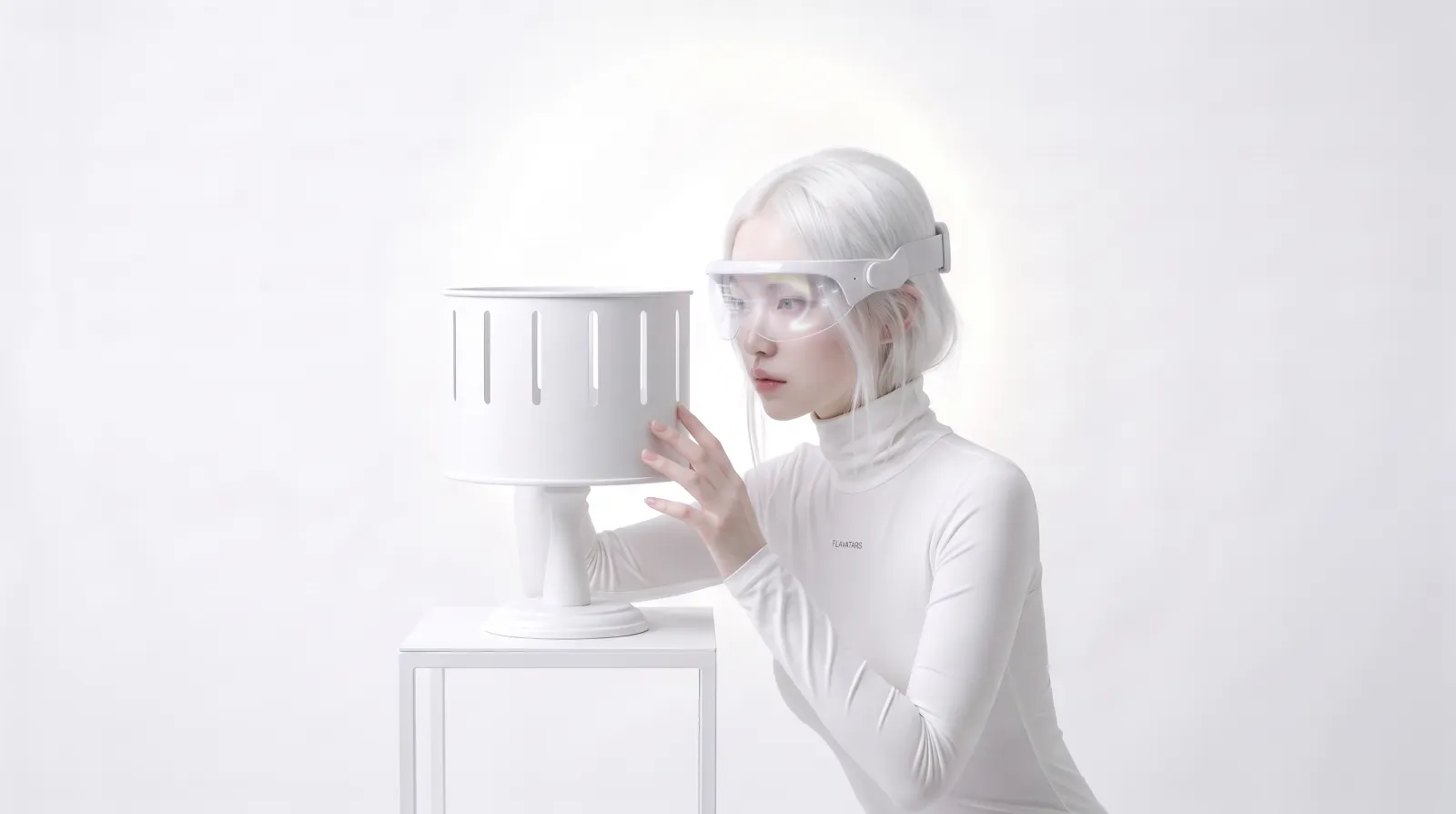
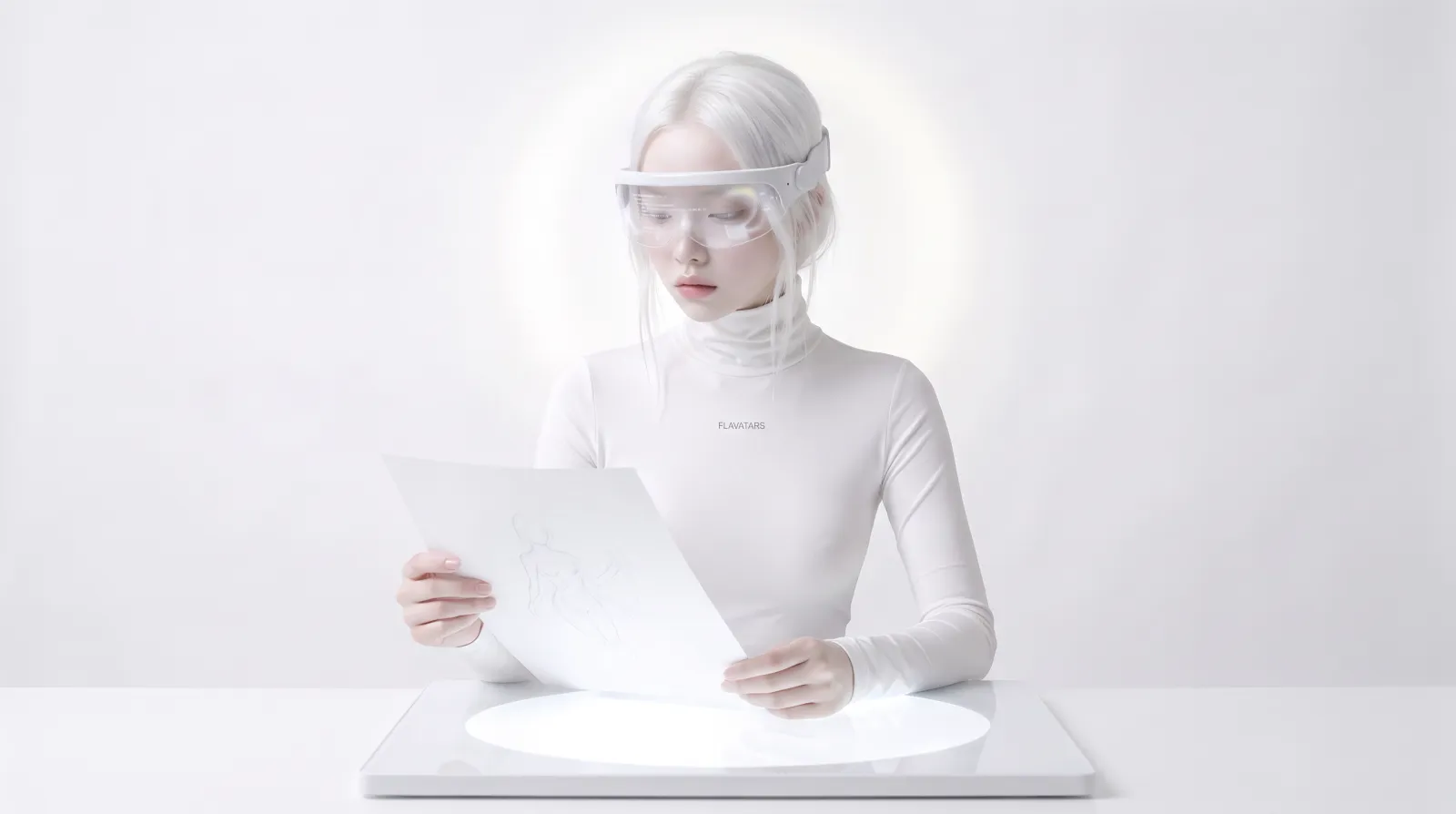
Several styles mix drawing and reality. For those we cut people out of our own DJI Osmo Pocket 4P clips with Apple's on-device Vision framework, then turn them into flat colour zones, pencil lines or paper dolls. The heroine of the anime piece in the reel is a rotoscope of the same model you see in the opening shot.
Horizontal works never get cropped or blown up to fill a vertical frame. They sit on a printed page as zine panels with hard shadows, the page slowly pushes in, and every panel jolts when its event happens.
An art director that never gets tired
Every example went through a review loop before it was allowed into the library. One AI agent plays a strict art director and compares each piece with its reference, frame by frame. A second plays the QC engineer and runs the measurements. A piece passes only with an aliveness score of at least 4 out of 5, a studio-level verdict, no major flaws and no failed check. Some pieces needed four rounds.
The loop caught real problems. A lightning strike that darkened a room instead of lighting it. Fan blades that appeared to spin backwards because they turned too fast for the frame rate. Rubber scraps from a burst glove that read as foil. In the finished reel, two neighbouring impact frames added up to more flashes per second than is safe, so that joint was rebuilt before release.
The most useful catch came from the director. Oleg noticed that a rotoscoped heroine had lost her hair to the lighting, a bald patch on every frame. That became a new rule and a new automated check, which is the point of the loop: every mistake gets caught once and never again.
“The scripts measured every frame, and the director still caught the one flaw they missed.”
The reel: one chain of events
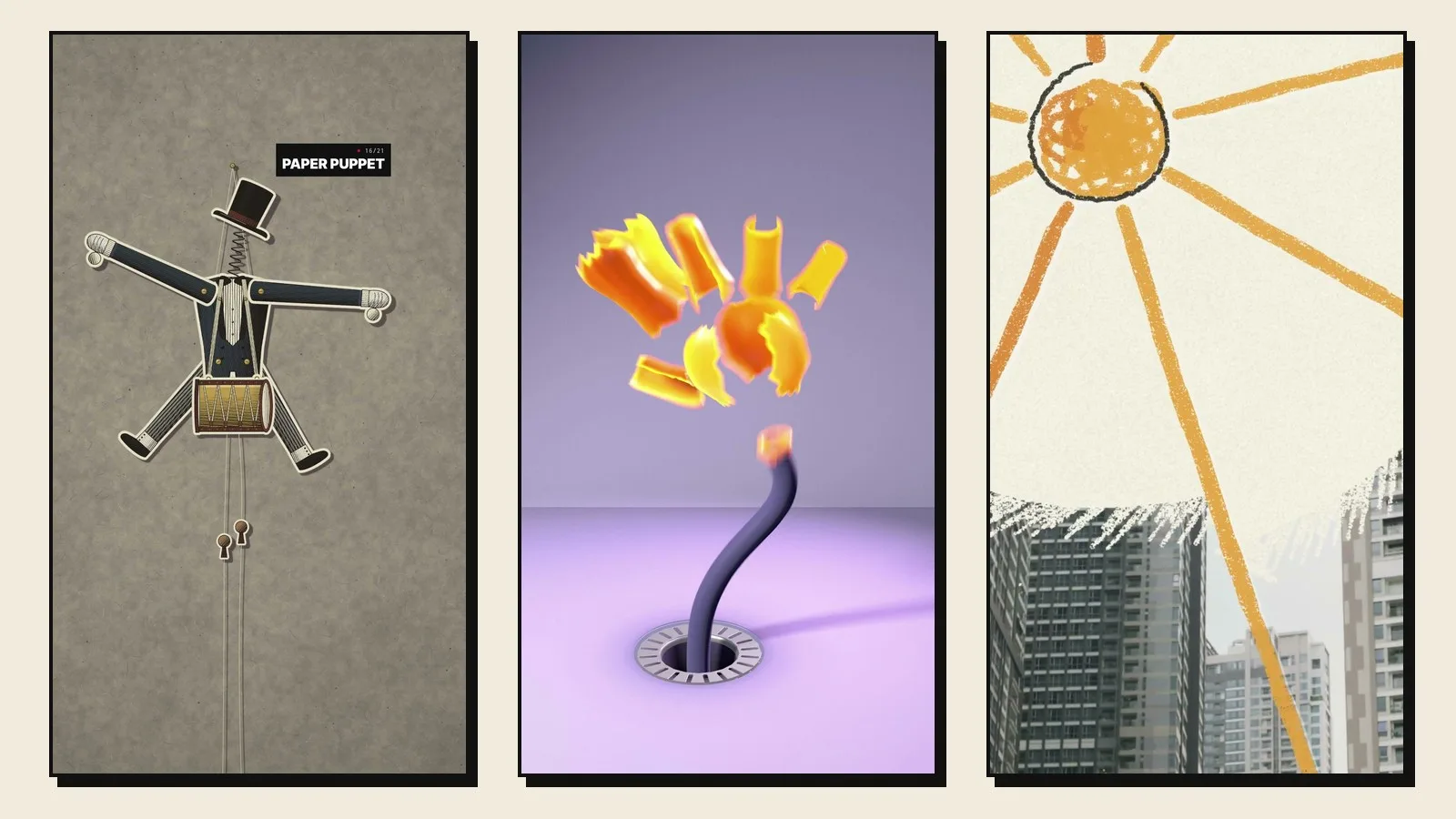
The reel had to show the range without turning into a slideshow, so it is built as a chain. Each world hands its moment to the next. A camera's record button becomes a portal into the lab. A firefly escapes its matchbox and knocks a clothespin loose, so a sock falls. A camera shutter flashes into an anime impact. A tennis ball drops out of a school locker, falls through the cut and yanks a paper puppet's strings. A glove inflates through a break in the music and pops exactly when the beat returns, and its scrap sets a crayon sun on fire until paper floods the frame.
In the quiet breakdown of the track the page fills with a wall of all 21 works, one tile every half beat, and the end card lands on the line Motion, coded. The numbers: 43.8 seconds, 1,313 frames, a 115 BPM track by The New Fools from Epidemic Sound, with every key event placed on the beat grid.
Built for the feed
A vertical reel lives on a phone, in a loop, often in the dark. We treated that as a technical spec. The music was cut to a loop that matches the video to the sample, so the reel repeats without a click. Loudness sits at -14 LUFS with true peak at -2.0 dBTP. A flash-safety check, modelled on WCAG 2.3.1, keeps the cut at three flashes or fewer in any second.
Text follows the same discipline. Style labels and titles stay inside the area that Instagram's interface leaves visible, and the end card is centred so the profile grid crop keeps the logo and the line.
What it means for your project
The lab turns into work you can brief us on today. Animated inserts and title moments for music videos and ads. Explainer segments in a style that matches your brand. Loops for concert screens and stands. Your own footage turned into anime, paper, collage or crayon worlds. Brand objects that get a 3D still-life reveal.
Pieces are delivered the way editors need them: finished films in 9:16, 16:9 or 1:1, or transparent layers in ProRes 4444 to drop over footage. The motion library also plugs into the rest of our pipeline, from AI video production to colour grading in DaVinci Resolve.
If one of the 21 works looks like your next project, tell us which one. The contact form is the fastest way in.
Related: How we made a fully AI-generated showreel · An AI studio versus an AI tool